
AI for Personal Productivity: What to Try & What to Watch Out For
The speed of AI adoption is accelerating, moving from novelty to necessity for individual productivity. Tools like Gemini and NotebookLM offer instant uplift—but with great power comes great responsibility.
For enterprise leaders and knowledge workers, the key is striking a critical balance: how to leverage the immense power of AI for immediate productivity gains while rigorously protecting data security and ethical integrity.
We've broken down the immediate actions your teams should take today, both to maximize the utility of these powerful tools and to ensure they operate within the guardrails necessary for enterprise scale.
What to Try Right Now: Unlock Immediate Productivity and Focused Value
The fastest way to understand AI's potential is to integrate it into your daily high-value workflows. These actions range from individual productivity boosts to early, focused process improvements:
Elevate Your Ideas: Ask Gemini to act as a specialized consultant—a copywriter, transformational change consultant, or financial analyst—to review and provide expert input on your internal ideas and strategies.
Visualize Complex Concepts: Use a creative tool like Nano Banana (via Gemini) to quickly generate a clear, compelling graphic to support a client presentation.
Synthesize Data Faster: Leverage tools like Google NotebookLM to analyze and synthesize insights across multiple, large data sources—a task that would traditionally take hours or days.
Set up an Agent for News Highlights: Use a tool in Google Workspace Flows to curate and email you critical news highlights or project status updates each morning.
Perfect Your Prep: Ask Gemini to role-play with you, simulating difficult conversations, preparing for a potential customer pitch, or rehearsing for an executive meeting.
Analyze Call Transcripts for Focus: Use a sanctioned enterprise LLM to instantly summarize 50 customer support or sales call transcripts, identifying the single most common pain point or objection to inform a product or training change.
Map Process Automation Blueprints: Use an AI tool to map a standard, repetitive internal process (e.g., invoice routing or bug reporting) and recommend the specific integration points where an agent or co-pilot could reduce handoffs and cycle time.
Implement Basic Predictive Classification: Lay the groundwork for an intelligent service desk by experimenting with classifying incoming internal service requests (IT tickets, HR queries) into defined categories to facilitate immediate auto-routing.
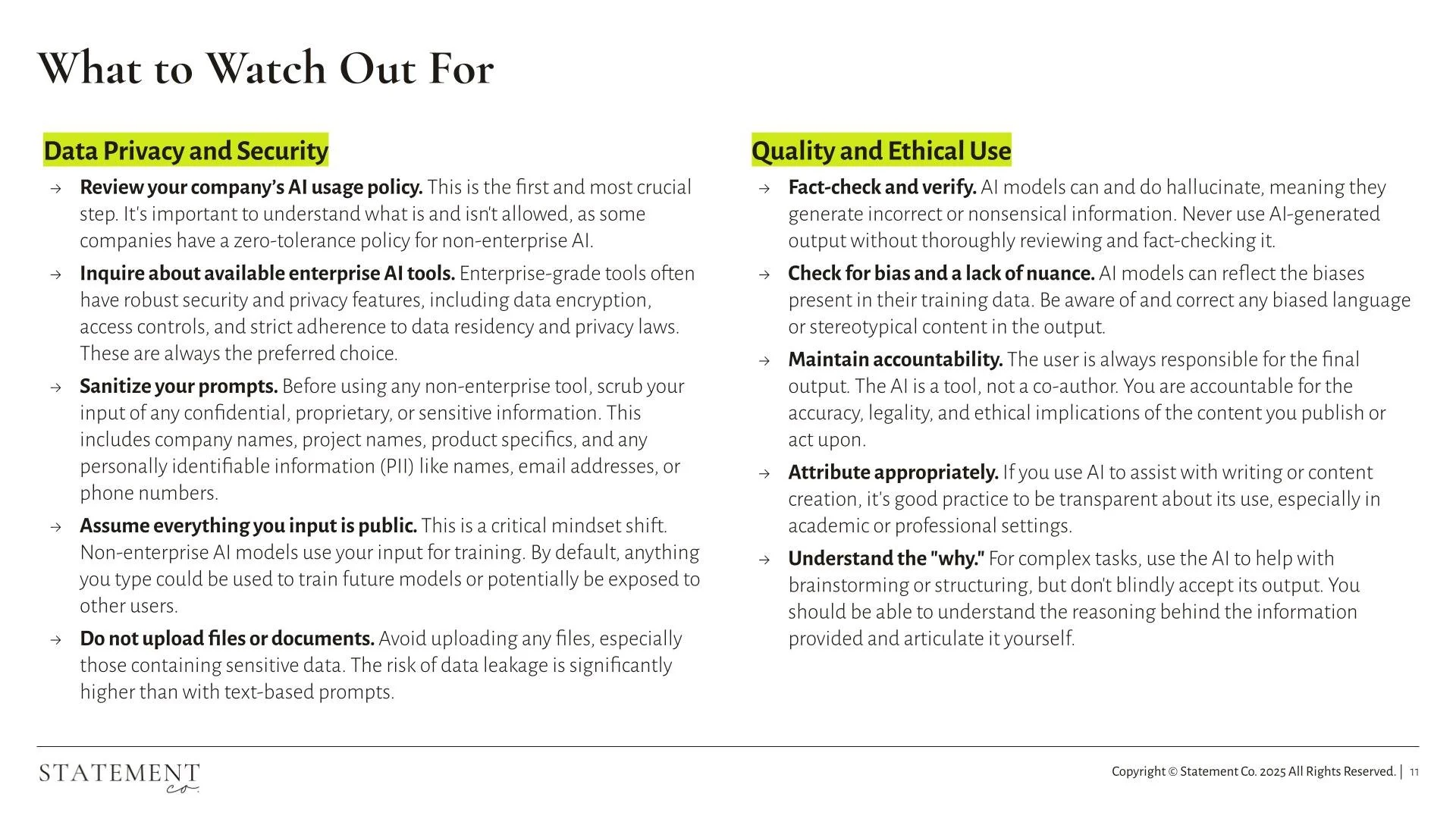
The Essential Guardrails: Data Privacy and Security
The rush to use powerful tools often outpaces policy awareness. Before using any AI tool—especially non-enterprise solutions—your team must adopt a critical, disciplined mindset.
Review and Prioritize Enterprise Tools
Know Your Policy: Review your company’s internal AI usage policy. This is the first and most crucial step. Understand what is and isn't allowed, as some companies have zero-tolerance for non-enterprise tools.
Demand Enterprise-Grade: Always inquire about and prioritize available enterprise AI tools. These solutions are built with robust features for security and privacy, including data encryption, access controls, and strict adherence to data residency and privacy laws. They are always the preferred choice.
Adopt a Security-First Mindset
Sanitize Your Prompts: Before using any non-enterprise tool, rigorously scrub your input of any confidential, proprietary, or sensitive information. This includes project names, product specifics, and any Personally Identifiable Information (PII).
Assume Public Input: This is a critical mindset shift. By default, assume everything you input is public. Non-enterprise AI models typically use your input for training, meaning the data could potentially be used to train future models or be exposed.
Do Not Upload Files: Avoid uploading any documents or files, especially those containing sensitive data. The risk of unintended data leakage is significantly higher than with simple text-based prompts.
Quality and Ethical Use: Maintaining Accountability
Even with approved tools, the final responsibility for accuracy and integrity rests with the human user. AI is a tool, not a decision-maker.
Fact-Check and Verify: AI models are known to "hallucinate" (generate incorrect or nonsensical information). Never use AI-generated output without thoroughly reviewing and fact-checking its sources.
Check for Bias and Nuance: AI models reflect the biases present in their training data. Always review and correct any biased language or stereotypical content to ensure the output is fair, objective, and appropriate for an enterprise audience.
Maintain Accountability: The user is always responsible for the final output. The AI is a powerful assistant, not a co-author. You must be accountable for the accuracy, legality, and ethical implications of the content you publish or the actions you take.
Understand the "Why": For complex tasks, use AI to help with brainstorming or structuring, but resist blindly accepting the output. You should be able to understand the reasoning behind the information provided and articulate it yourself.
Moving from Productivity to Transformation
Individual productivity gains are important, but they are just the first step. True enterprise transformation requires integrating these tools securely and strategically across the organization.
At Statement Co., we help organizations navigate this complex landscape, building the program charters, mature governance, and change adoption frameworks necessary to scale AI responsibly. Are you ready to move past individual tools and design a secure, ethical, and transformational AI strategy for your business?
Statement Co.llab Contributors: Jess Heaton, PhD and Sarah Cargill